
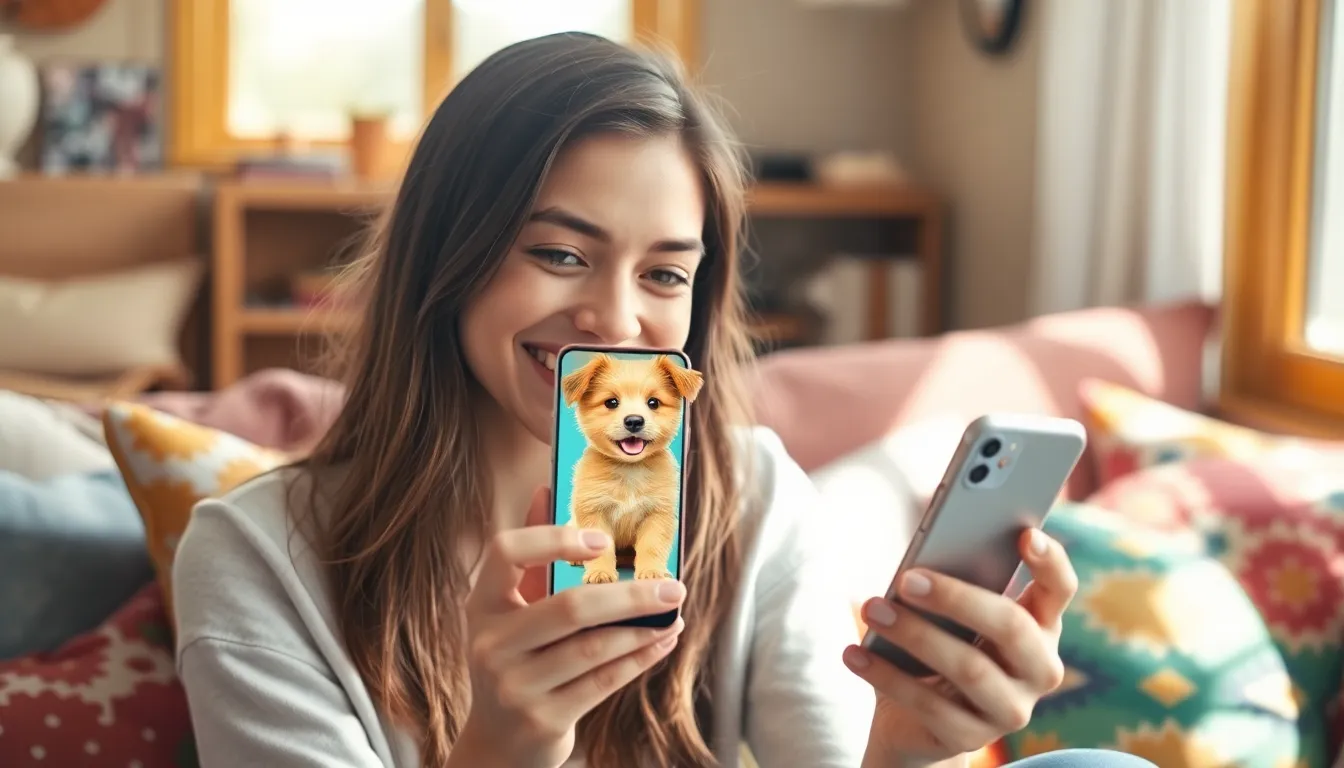
Imagine having a furry friend right on your iPhone screen, ready to brighten your day with just a tap. Whether it’s a playful puppy or a sassy kitten, bringing a pet into your digital life can add a splash of joy to those mundane moments. Who needs a real pet when you can have an adorable companion that won’t chew your shoes or leave fur on your couch?
Understanding the Concept of Virtual Pets
Virtual pets represent a blend of technology and companionship. These digital companions offer interactive experiences, engaging users in activities that mimic pet ownership. Choosing a virtual pet means selecting from a variety of options. Popular choices include playful dogs, mischievous cats, or exotic creatures like dragons.
Interactivity plays a crucial role in these experiences. Users can feed, train, and even play games with their virtual pets. Many apps provide real-time feedback, ensuring that the pet responds to care and attention. This engagement fosters a sense of responsibility without the burden of physical upkeep.
Customization is another appealing aspect. Users often have the freedom to personalize their pets’ appearances and environments. Achieving a unique look enhances the attachment users feel towards their virtual companions. Apps like “Neko Atsume” or “My Talking Tom” showcase this customization feature well.
Furthermore, the convenience of a virtual pet is unmatched. Unlike real pets, digital companions do not require walking, grooming, or extensive vet visits. This ease allows users to enjoy the companionship of a pet without major life disruptions. For those with limited time or space, virtual pets provide a practical solution.
This concept has grown popular due to its accessibility. Many platforms facilitate the download of pet apps, reaching a wide audience. Gamification elements enhance the experience, encouraging users to engage regularly. From social sharing to in-app rewards, these features keep users entertained and invested in their virtual pets.
Methods to Get a Pet on Your iPhone Screen
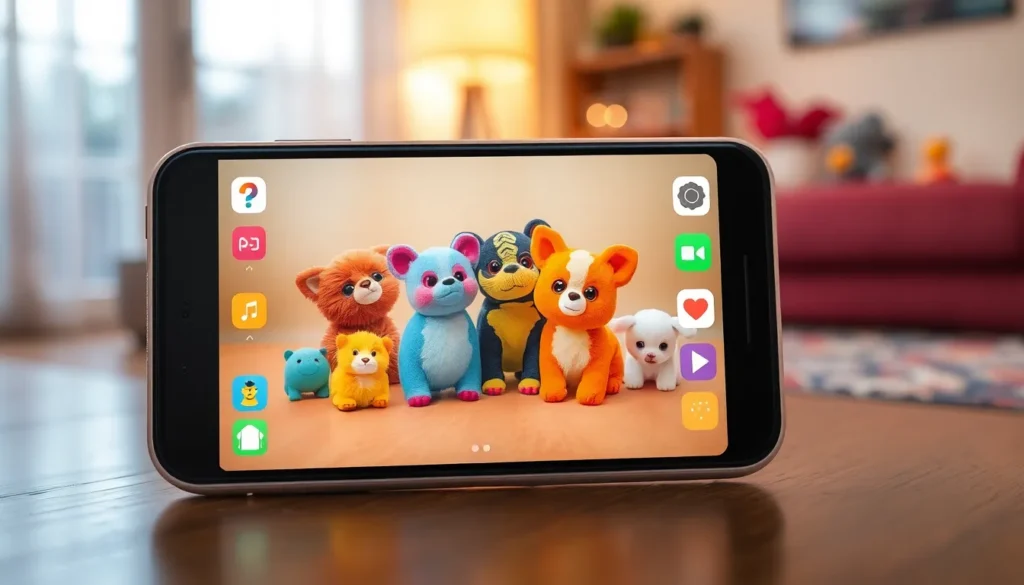
Various methods provide opportunities to enjoy a virtual pet experience on an iPhone. Apple’s ecosystem supports multiple interactive applications and widget features that enhance the digital companionship.
Using Apps
Numerous apps feature virtual pets that users can adopt. Popular choices include My Talking Tom, Neko Atsume, and Pet Simulators. These apps allow users to feed, play, and interact with their pets. In addition, users can customize pets’ appearances using different outfits and environments. Regular updates within the apps introduce new activities and pets, ensuring ongoing engagement. Notifications remind users to check on their virtual friends, enhancing the sense of responsibility. Users often share their pet experiences on social media, creating a community around digital pets.
Utilizing Widgets
Widgets effectively display virtual pets directly on the iPhone home screen. Engaging with pet-themed widgets allows quick interaction and real-time updates. Users can select from various styles and sizes to match personal preferences. Essential functions, like feeding schedules or playtime reminders, often integrate within widget designs. Widgets create a lively home screen atmosphere while keeping pets at the forefront. Regularly changing the widget appearance keeps the experience fresh and visually appealing. Users find these features not only stylish but also useful, providing constant connection to their virtual pet.
Customizing Your Virtual Pet Experience
Customizing a virtual pet experience elevates enjoyment and connection. Users engage more fiercely when they have control over their digital companions.
Choosing the Right Pet
Selecting the ideal pet involves understanding personal preferences. Various options like puppies, kittens, and even more exotic choices exist. Users might prefer pets that resonate with their interests. For instance, a playful dog suits an active lifestyle, while a calm cat aligns with a more relaxed approach. Examining features and behaviors of different virtual pets helps in making an informed choice. Downloadable apps often offer previews of potential pets, showcasing their unique traits and styles.
Personalizing Features
Adjusting features boosts attachment to virtual pets significantly. Users can change appearances, accessories, and living environments easily. Many apps allow customization options that reflect individual tastes, ranging from fur color to outfits. Detailed interaction settings provide users with the ability to modify how pets respond. Fine-tuning behavioral traits can create a unique bond between the user and the pet. Regular updates from the app developer can introduce new features, keeping the experience fresh and engaging.
Troubleshooting Common Issues
Users may encounter various issues while getting a virtual pet on their iPhone screen. Identifying the problem is the first step to a quick resolution.
Check compatibility first. Some apps may not be fully compatible with specific iPhone models or iOS versions. Ensure the software is up to date by navigating to Settings, then tapping General, and selecting Software Update.
App crashes can disrupt the experience. Closing the app completely and reopening it often resolves temporary glitches. If problems persist, uninstall and then reinstall the app to restore functionality.
Notifications serve as reminders for pet care. If notifications aren’t appearing, verify they are enabled in Settings under Notifications. Users should locate the specific app and ensure all notification settings are toggled on.
Widgets provide real-time updates. If a widget fails to display properly, remove it from the home screen and add it again. Long-press the home screen, tap the “+” icon, and search for the desired widget to reintegrate it.
In-app purchases sometimes cause problems. Ensuring a stable internet connection can facilitate successful transactions. Users must verify payment methods in Settings under Wallet & Apple Pay to prevent payment issues.
Customization features enhance the pet experience. If these options aren’t appearing, reloading the app often helps. Should the problem continue, consulting the app’s support section may provide additional guidance.
Consider reaching out to the app’s customer support if issues remain unresolved. Developers often provide direct assistance for common troubles, ensuring users maintain an engaging and fun experience with their virtual pets.
Embracing a virtual pet on an iPhone can transform daily life into a more enjoyable experience. It offers companionship without the responsibilities that come with real pets. The interactive nature of these digital companions fosters engagement and connection, making it easy to care for them even on a busy schedule.
Customization options allow users to create a pet that truly reflects their personality. With various apps available users can easily find the perfect virtual friend. The convenience of having a lively presence on the home screen keeps users connected and entertained.
Whether it’s a playful puppy or a mystical dragon the world of virtual pets is just a tap away. This innovative blend of technology and companionship is sure to bring joy to anyone looking for a furry friend in a digital format.

