

Ever found yourself staring at your iPhone, wondering if you’ve been unceremoniously blocked or if your friend’s phone is simply taking a nap? It’s a modern-day mystery that can send anyone into a spiral of overthinking. One minute you’re sharing memes, and the next, you’re left in the digital dark.
Understanding Call Blocking on iPhone
Call blocking on iPhone serves as a feature for users wanting to limit unwanted contacts. It provides a way to manage communications efficiently.
How Call Blocking Works
Blocking a number prevents that contact from reaching the user. The caller will encounter a message that indicates a call cannot be completed. The blocked person can still leave a voicemail, but it typically goes to a separate folder. Users receive no notifications for these calls, ensuring their peace remains undisturbed. In settings, individuals can access the “Blocked Contacts” list to manage or remove numbers.
Signs You Might Be Blocked
Several signs could indicate someone has blocked the user. A single ring followed by a voicemail may be a red flag. If messages show as “delivered” but never as “read,” that might suggest a block. Additionally, repeated failed call attempts can signal that the number has been blocked. Users should also notice a lack of communication or responsiveness, which can further support concerns about being blocked.
Common Reasons for Phone Off Scenarios
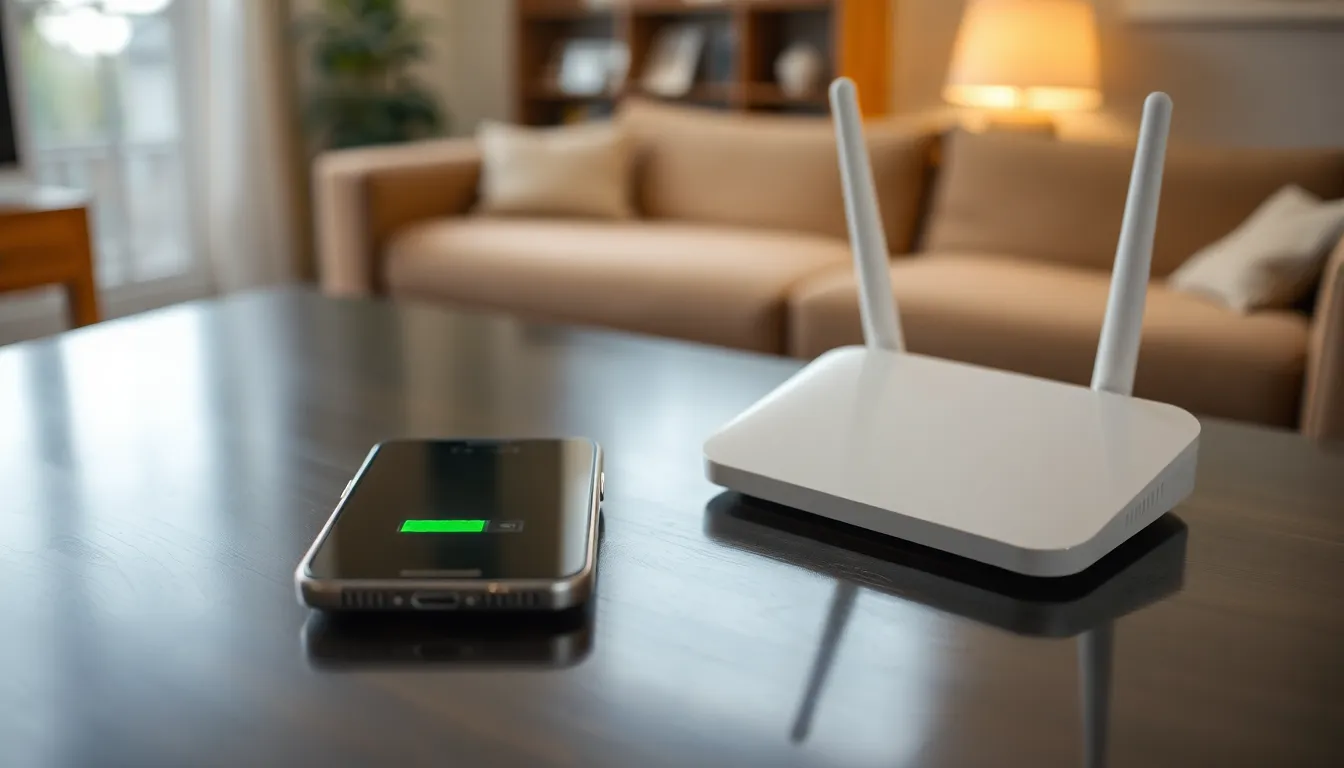
Various situations can lead to a phone appearing off or unreachable. Understanding these scenarios can clarify doubts about being blocked or just dealing with an unresponsive device.
Network Issues
Network problems often create confusion regarding phone statuses. Calls may fail if the user is in an area with poor coverage or experiencing an outage. High demand in certain regions leads to congestion, affecting call connectivity. Additionally, some network providers might undergo maintenance that interrupts service. Users facing these challenges might receive notifications that the phone is off, while in reality, the device is functional but unable to connect to the network. Checking network status on the service provider’s website can provide clarity.
Phone Settings
Phone settings can significantly impact connectivity. Airplane mode disables all wireless communications, making a device unreachable. Users often forget to disable this mode after travel. Likewise, DND (Do Not Disturb) settings may silence incoming calls and notifications without blocking the number. Changes to other settings, like call forwarding, might redirect calls to another number, resulting in confusion. Reviewing these settings can provide insight into the device’s accessibility.
Steps to Determine If You’re Blocked
Identifying whether someone has blocked you on iPhone involves a few straightforward steps.
Check for Call Feedback
Listen for call feedback when attempting to connect. If the call rings once and goes directly to voicemail, this suggests a possible block. Blocked callers typically experience this pattern, while unresponsive phones usually lead to several rings first. Explore variations in call attempts throughout the day to gather more data regarding the situation. Recognizing a consistent pattern of single rings may further point to being blocked. Keep in mind that unexpected network issues can also mimic this behavior.
Send a Text Message
Send a text message to the individual for further clarity. Messages that display a status of “delivered” indicate that the message reached the device but doesn’t confirm whether the number is blocked. Pay attention to the absence of “read” receipts, as this can hint at a block as well. Try varying the times messages are sent for additional insights. An unresponsive phone may also lead to messages being undelivered, so consider the possibility of network errors affecting communication. This method provides a clear way to assess the situation without direct confrontation.
What to Do If You Suspect Blocking
Understanding the possibility of being blocked can lead to uncertainty. Exploring alternative methods to communicate can help clarify the situation.
Communicate Through Other Channels
Consider reaching out via email or social media. Social platforms often provide additional opportunities to connect, allowing for direct messaging and comments. If text messages seem unresponsive, sending a brief email can check if the recipient is reachable. Users engaged on social media may also indicate whether they are online. Assessing activity on these platforms can provide insights into unresponsiveness. Explore various outlets to see if responses differ across channels.
Respecting Privacy
Recognize the importance of privacy in this digital age. Using different methods to communicate should not invade personal boundaries. Individuals may choose to limit contact for various reasons, including needing time or space. Prioritize respecting their choices and preferences. If signs point to being blocked, respect that decision rather than pursuing unwanted contact. Maintaining a respectful distance fosters healthy interactions, even amid uncertainty about communication status.
Navigating the complexities of communication can be challenging when uncertainty arises. Understanding the differences between being blocked and a phone simply being off is crucial for maintaining healthy relationships. By recognizing the signs and considering various factors like network issues and phone settings, individuals can gain clarity without jumping to conclusions.
It’s essential to approach the situation with patience and respect for personal boundaries. If doubts persist, exploring alternative communication methods can provide additional insight. Ultimately, fostering positive interactions is key, even when faced with the ambiguity of modern communication.

