
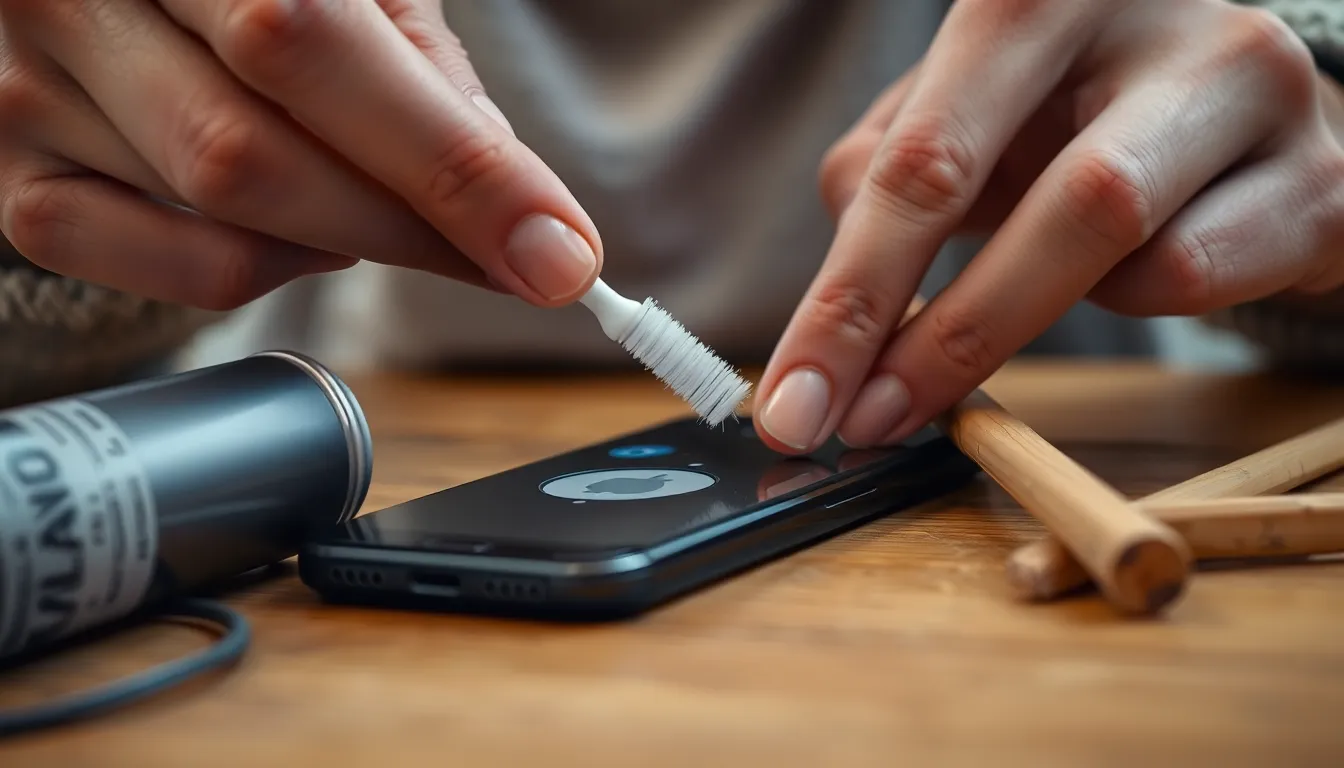
Is your iPhone charging slower than a tortoise on a lazy day? If so, the culprit might be lurking in the depths of your charging port, where dust and lint have formed an unholy alliance. Fear not! Cleaning that tiny gateway to power doesn’t require a degree in rocket science or a trip to the Genius Bar.
Importance Of Cleaning Your Charging Port
Cleaning the charging port on an iPhone is essential for maintaining optimal device performance. Dust and lint buildup can block the connection, leading to slow charging or failure to charge entirely. Regular maintenance of the charging port helps ensure that the phone charges quickly and efficiently.
Neglecting to clean the port can lead to long-term damage, affecting not only charging but also data transfer capabilities. A clean port allows for a secure connection, reducing the risk of overheating or short-circuiting during charging.
Digital devices, including iPhones, are frequently exposed to pockets, bags, and surfaces that harbor debris. Each time a phone plugs into a charger, it collects residue that can accumulate over time. Simple cleaning can prevent small particles from becoming lodged inside the port.
Using the right tools makes the cleaning process straightforward. A soft-bristled toothbrush, compressed air, or a non-metallic tool effectively removes debris without damaging internal components. Performing this maintenance task regularly promotes longevity for the device and enhances the user experience.
Success in keeping the charging port clean results in reliable performance. As charging efficiency improves, users benefit from quicker charging times and fewer disruptions. Ensuring the port remains debris-free contributes to overall device health, highlighting the importance of this simple yet effective routine.
Common Issues Faced
A dirty charging port causes various problems for iPhone users. Debris accumulation leads to inefficient charging and potential device damage.
Symptoms Of A Dirty Charging Port
Slow charging speeds often indicate buildup in the charging port. Users may notice intermittent charging or failure to charge altogether. Difficulty connecting accessories can also reflect a blocked port. Sometimes, an error message appears when attempting to charge, signaling a need for cleaning. Observing any of these symptoms identifies the urgency of cleaning the port for optimal performance.
Risks Of Neglecting Cleaning
Neglecting to clean the charging port presents significant risks. Long-term debris can damage charging components, resulting in expensive repairs. It can also lead to battery health decline, decreasing overall device longevity. Frequent disruptions during charging frustrate users, affecting daily productivity. Ignoring this simple maintenance task may create challenges in future usage, emphasizing the importance of regular cleaning to maintain device functionality.
Tools You Will Need
Cleaning the charging port on an iPhone requires specific tools to ensure efficiency and safety. The following items enhance the cleaning process.
Recommended Cleaning Tools
- Soft-bristled toothbrush: This tool effectively dislodges lint and dust without damaging internal components.
- Compressed air canister: It blasts away stubborn debris without physical contact, minimizing risks to the port.
- Wooden or plastic stick: A gentle tool helps scrape out buildup without scratching the port’s interior.
- Lint-free cloth: Keeping the exterior tidy prevents particles from entering the charging port during maintenance.
Safety Precautions
Use caution when cleaning the charging port. Avoid using metal objects, which can cause damage or short-circuit the device. Always power off the iPhone before starting the cleaning process to reduce risks. Ensure that no moisture interacts with the charging port by using dry tools only. Additionally, keep the workspace well-lit to enhance visibility while removing debris effectively. Following these precautions ensures safe and effective cleaning.
Step-By-Step Cleaning Process
Cleaning the charging port on an iPhone requires a few careful steps to ensure thoroughness and safety. Following a systematic approach maintains the device’s functionality.
Preparing Your iPhone
Turn off the iPhone before beginning the cleaning process. This ensures safety while cleaning the charging port. Gathering the recommended tools makes the task easier. Utilize a soft-bristled toothbrush, compressed air canister, wooden or plastic stick, and a lint-free cloth. Keep these items nearby for efficient access.
Cleaning The Charging Port
Gently insert the wooden or plastic stick into the charging port to dislodge debris. Be careful not to apply excessive pressure to avoid damaging internal components. Use the soft-bristled toothbrush to sweep away loose dust and lint around the port. Direct compressed air into the port in short bursts to remove stubborn particles. Ensure the air canister is held upright to prevent moisture from entering the port.
Final Checks
Inspect the charging port after cleaning to confirm it’s free of dirt and debris. Look for any lingering particles or obstructions that could interfere with charging. Test the iPhone by connecting a charger to see if it charges properly. Make sure the connection feels secure, indicating no blockage remains. Regular checks ensure optimal performance and longevity of the device.
Regularly cleaning the charging port of an iPhone is crucial for maintaining its performance and longevity. By following simple steps and using the right tools, users can prevent issues like slow charging and connectivity problems. This straightforward task not only enhances the device’s efficiency but also helps avoid costly repairs down the line. Keeping the charging port free of dust and debris ensures a seamless experience with charging and data transfer. With a little attention and care, iPhone users can enjoy optimal device functionality for years to come.

